

Smarter access. Stronger security.
Get started now with the Buzzin app!
Enjoy seamless tenant access, convenient guest invitations, and enhanced security with the Buzzin app - our new Visitor Management System.
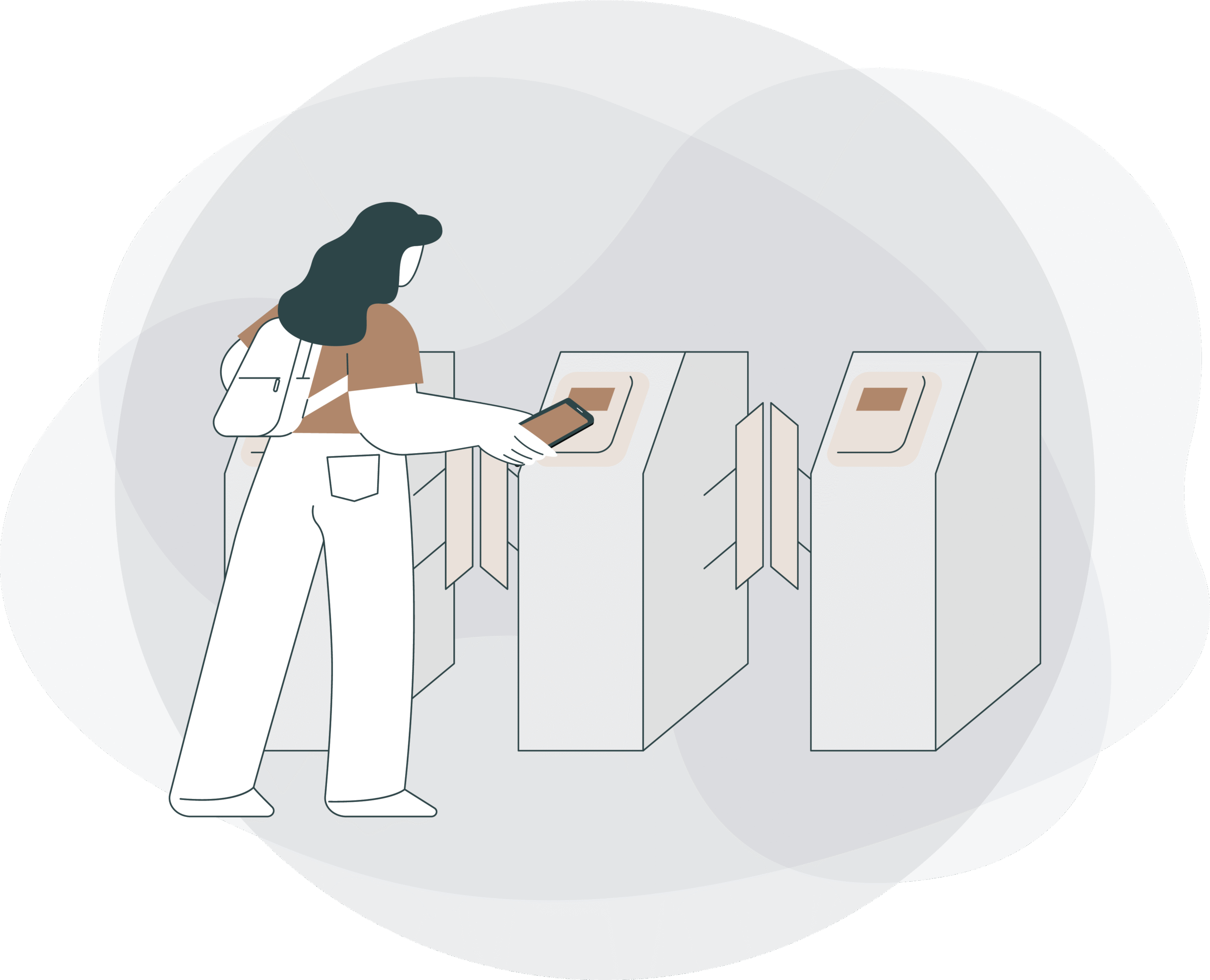
Registration Process
Download the excel sheet by clicking here, fill in the required information, and send it to propertymanagement@centralparktowers.ae
Ensure that you are providing the contact number of the phone that the app will be downloaded on.

Await the registration confirmation mail from Buzzin to download the app. Should you not receive a confirmation email, please contact propertymanagement@centralparktowers.ae
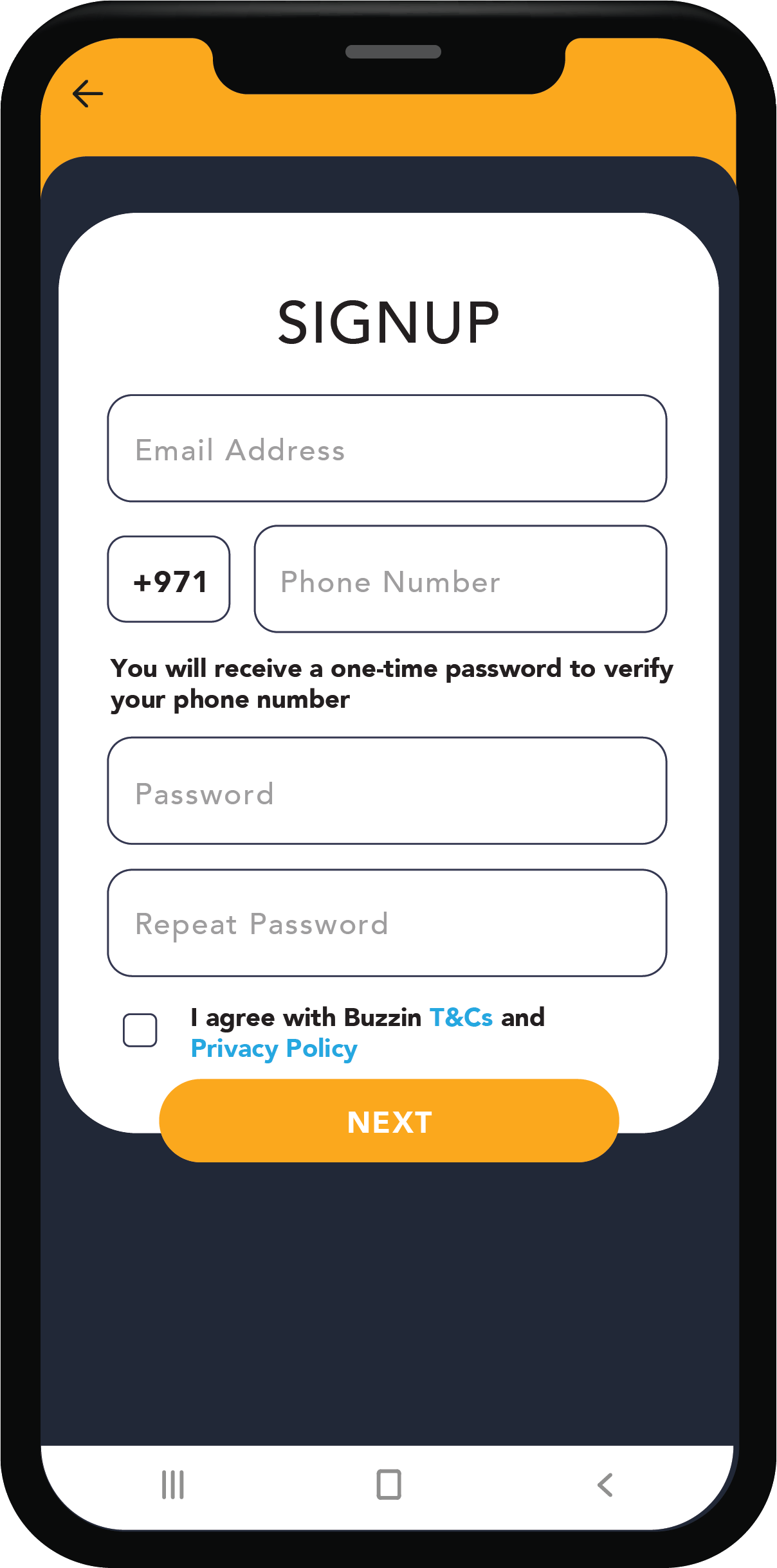
Download the Buzzin app and follow the steps below to Sign Up
How to sign up
Signup
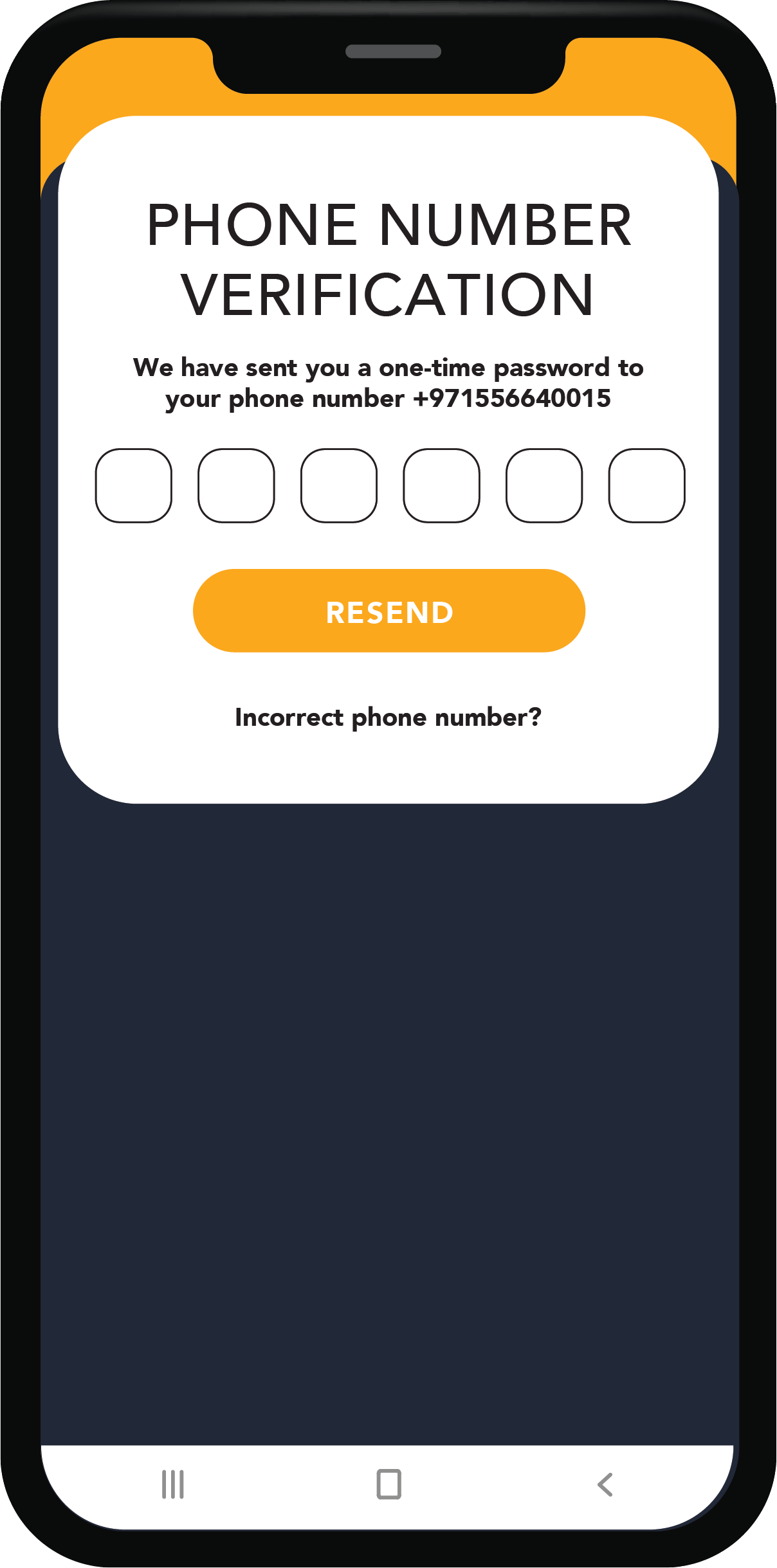
Verify
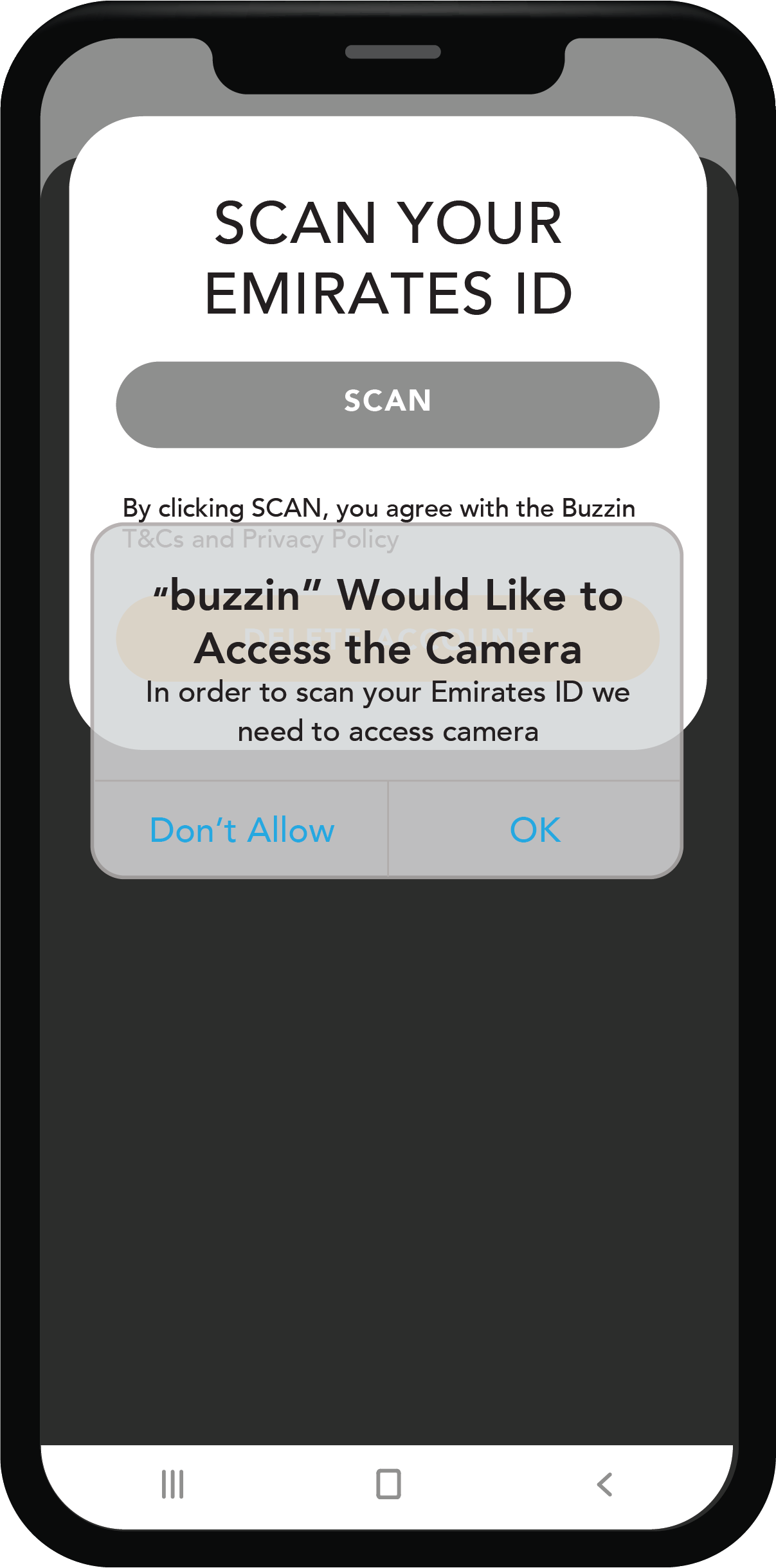
Give your camera access to Buzzin
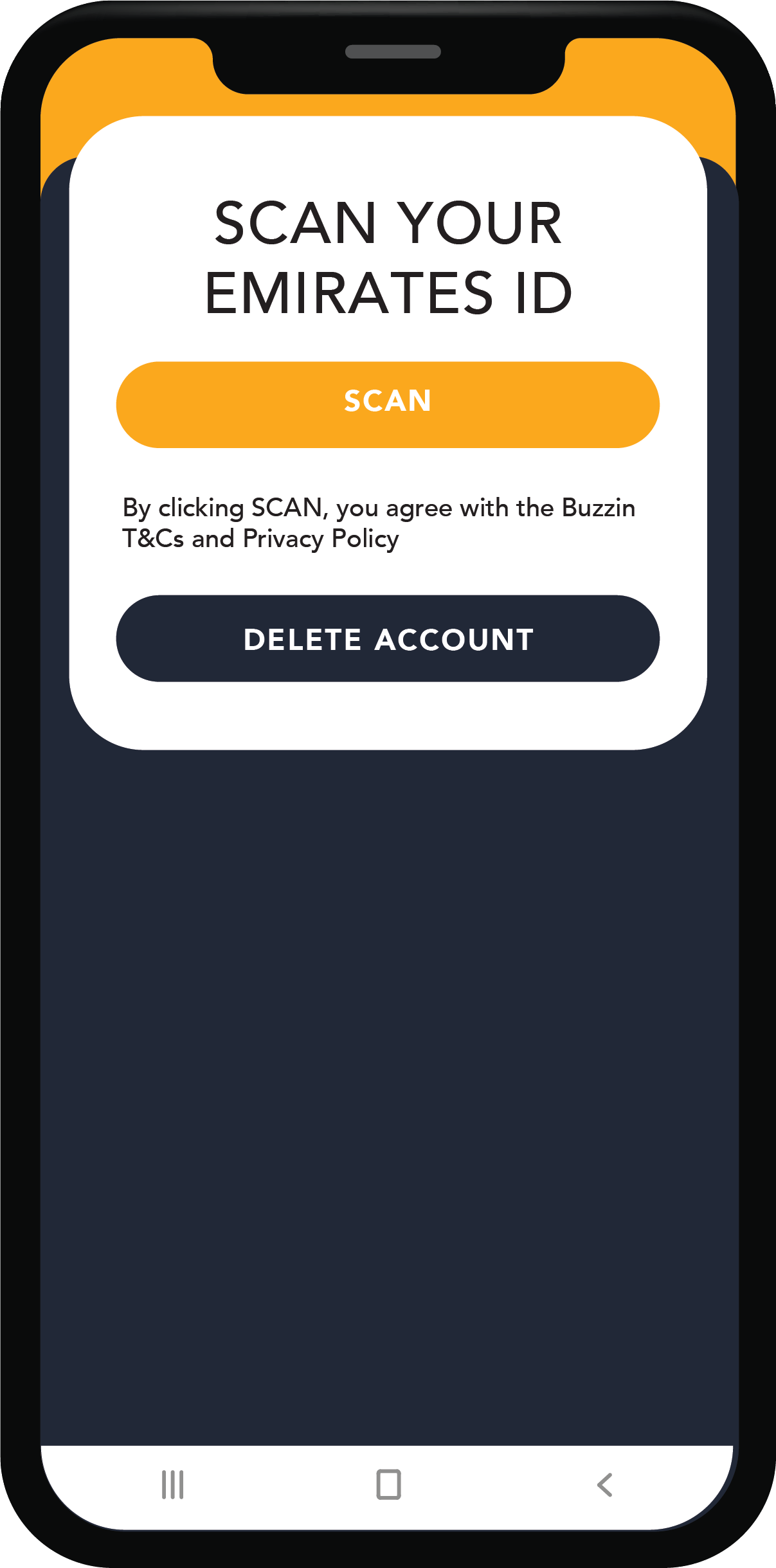
Scan your Emirates ID
Buzz in with ease!
Follow the below steps
Open the Buzzin app, verify if you have an active unit. This is a step for first time users.
Head to the P3 level where the access gate is located.
If you have an active unit, select "Press to Activate Access Card".
Place your phone on top of the turnstile, right next to the "Tap Here" sticker.
Hold your phone over the NFC tag.
View the simple steps here